Quick Tour
This page is a brief walkthrough of the major areas of AutoSage. Each section is a quick overview with a link to the detailed guide for that topic.
If you haven't signed up yet, start with Create your account.
Dashboard
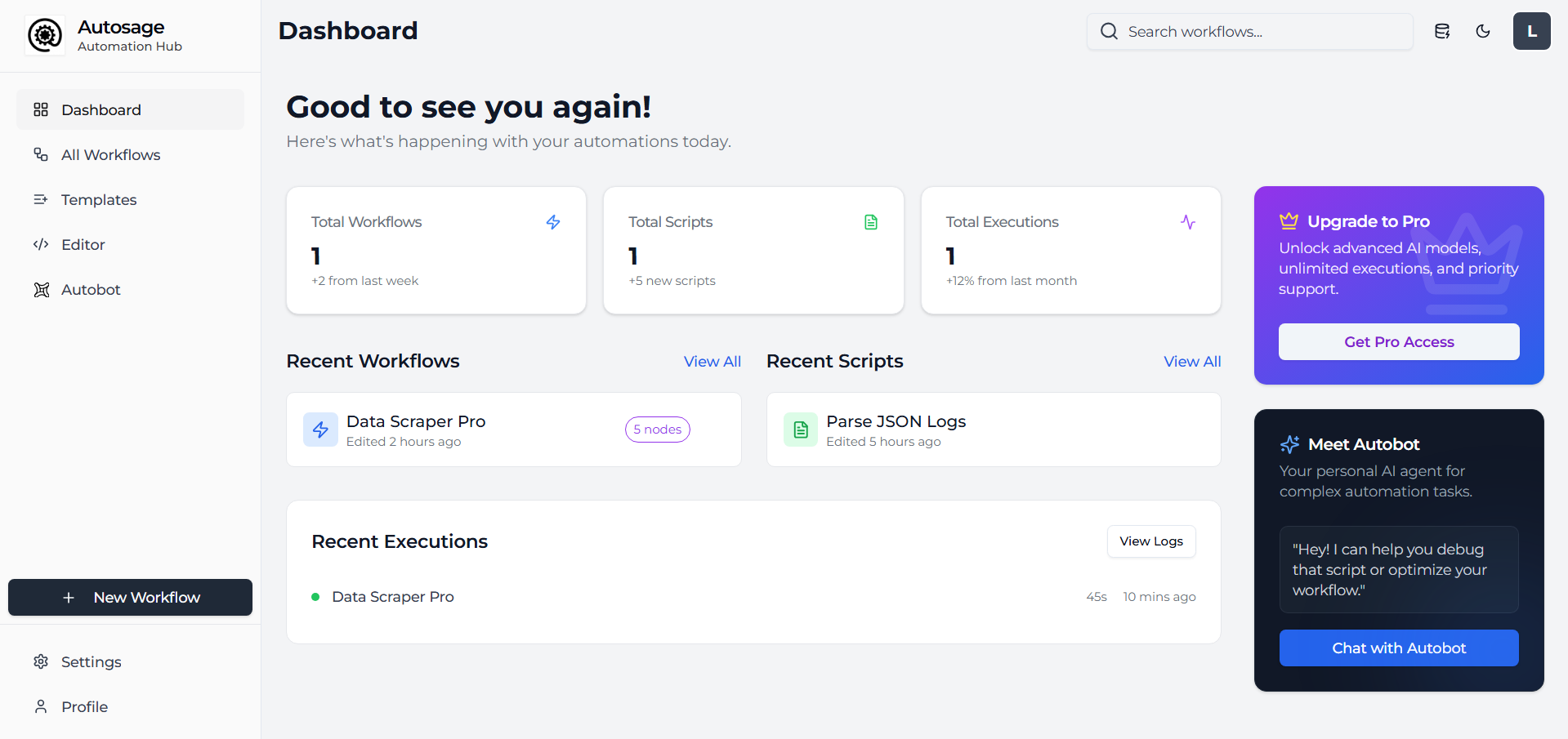
The dashboard is what you land on after signing in. It gives you a high-level view of your account: recent workflow runs, quick links into the workflows list and notifications about scheduled or failing runs.
Workflows
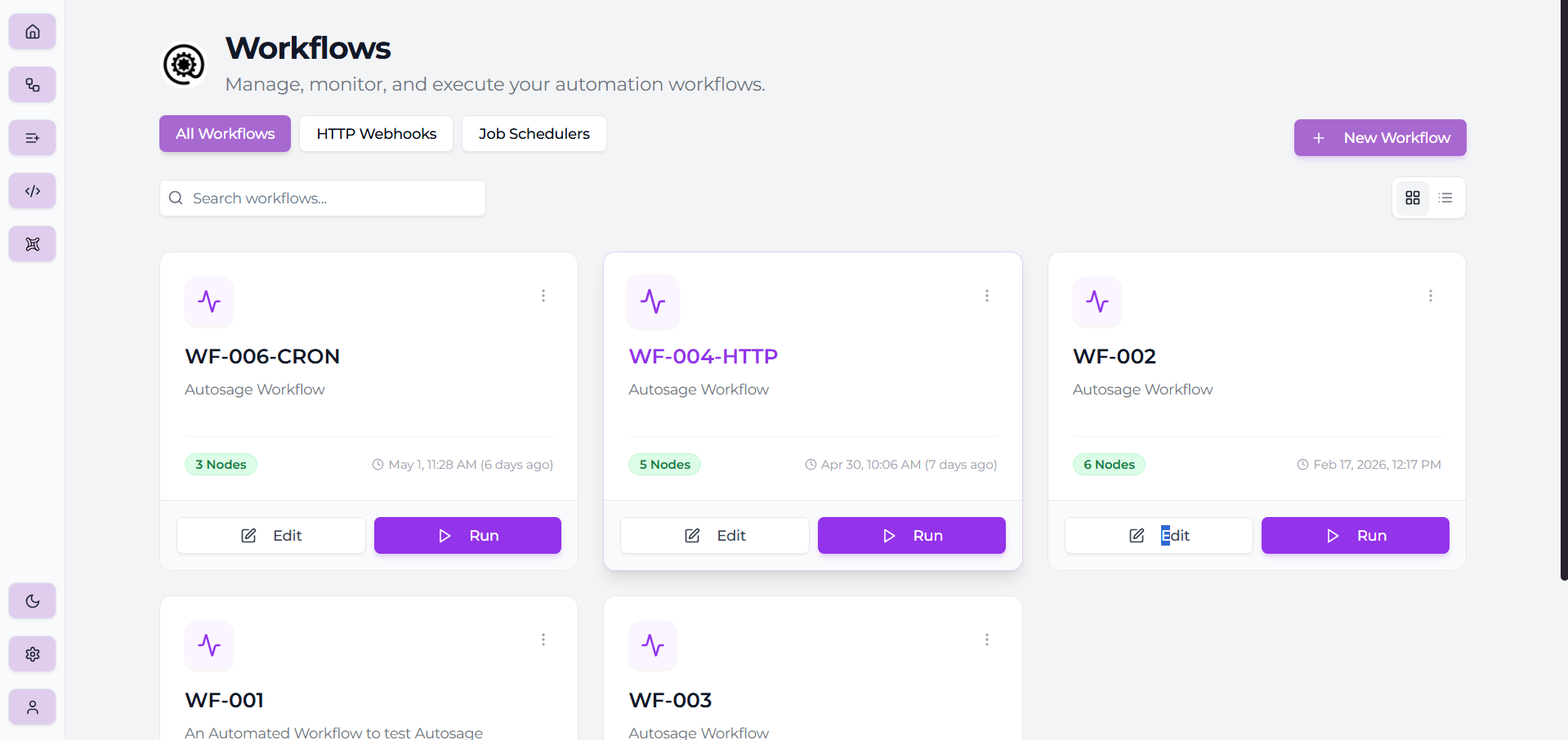
The Workflows page lists every workflow in your account. From here you can create a new workflow, open an existing one to edit, duplicate or delete a workflow, and see its last run status at a glance.
Workflow editor
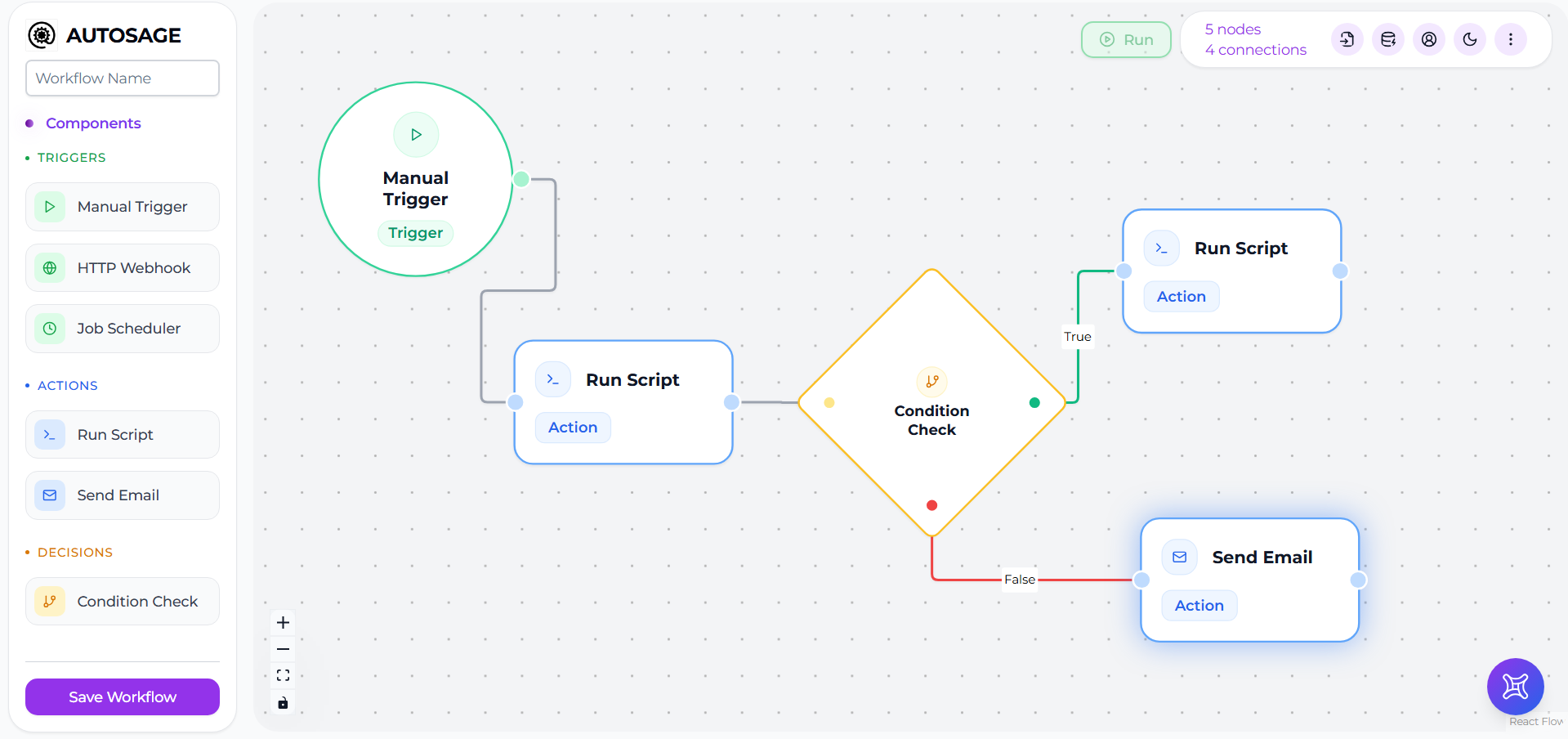
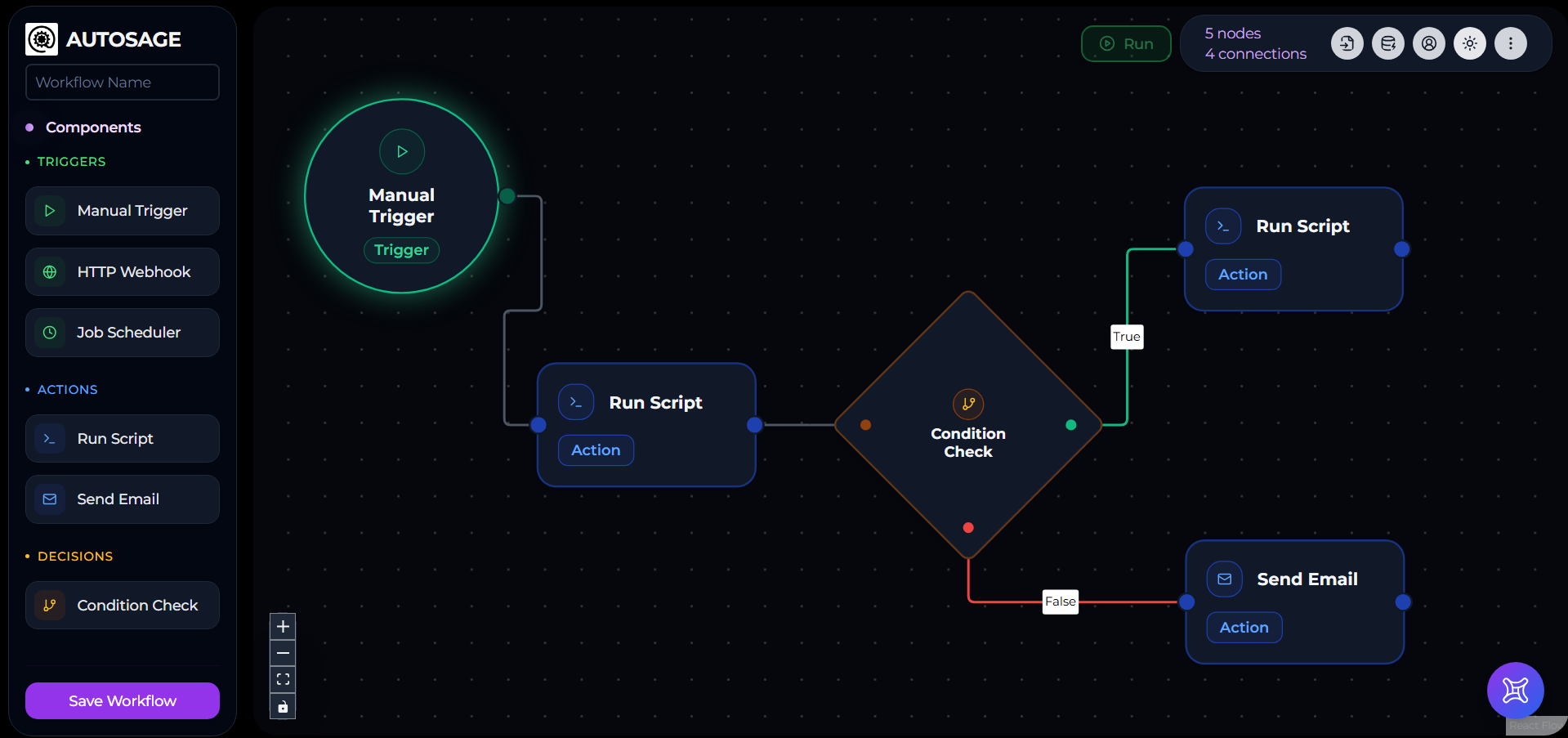
The workflow editor is the canvas where you assemble a workflow by dragging and connecting nodes. There are three node types:
- Trigger — Manual, HTTP Webhook, or Job Scheduler. Every workflow starts with one.
- Action — Script (run a Python/PowerShell/Shell script on a server) or Email (send a notification).
- Decision — branches the flow on a true/false condition.
AutoSage uses a one-node-one-server model: each Action node points at exactly one server. To run something across multiple servers in a single workflow, add one Action node per server — they execute in parallel where the graph allows.
Script editor
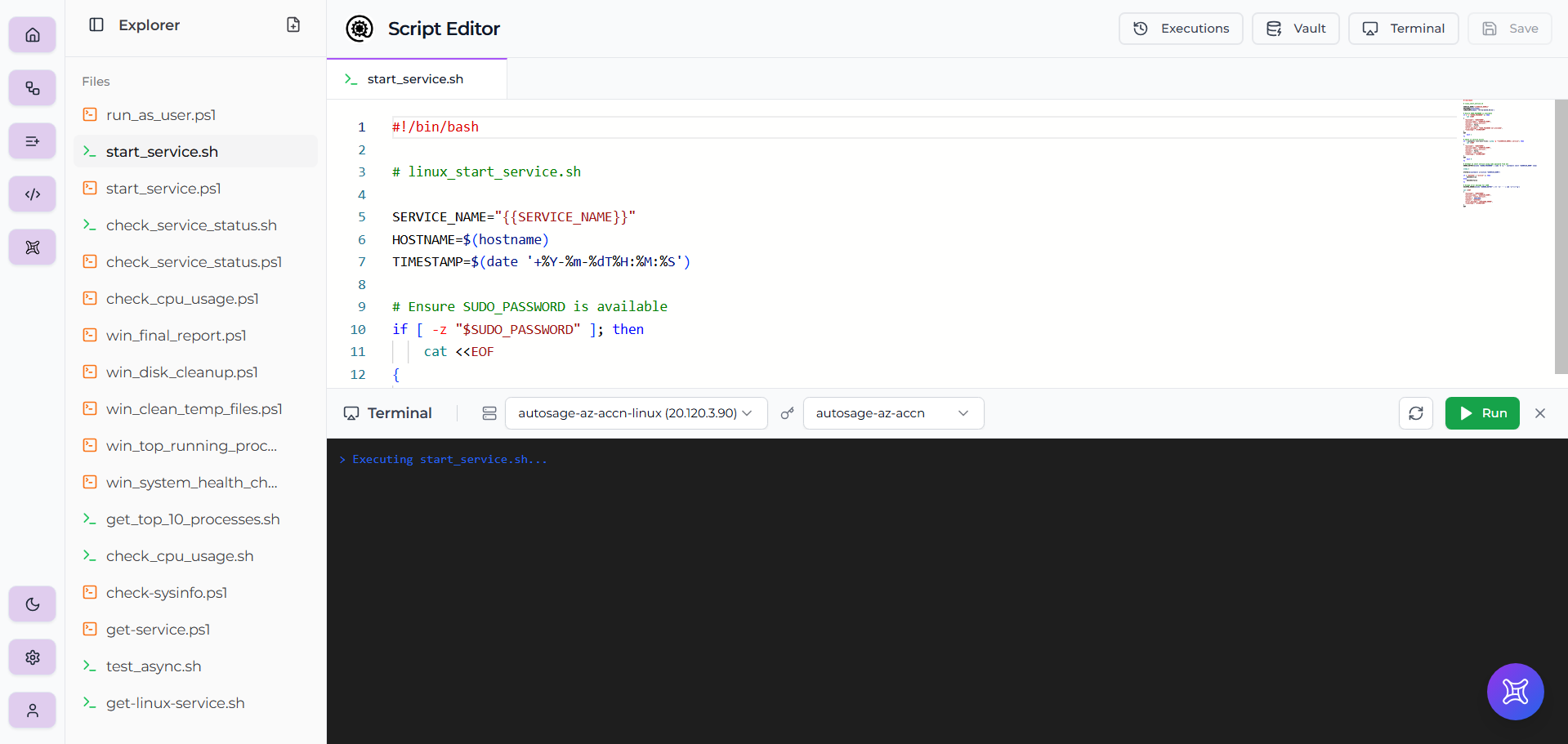
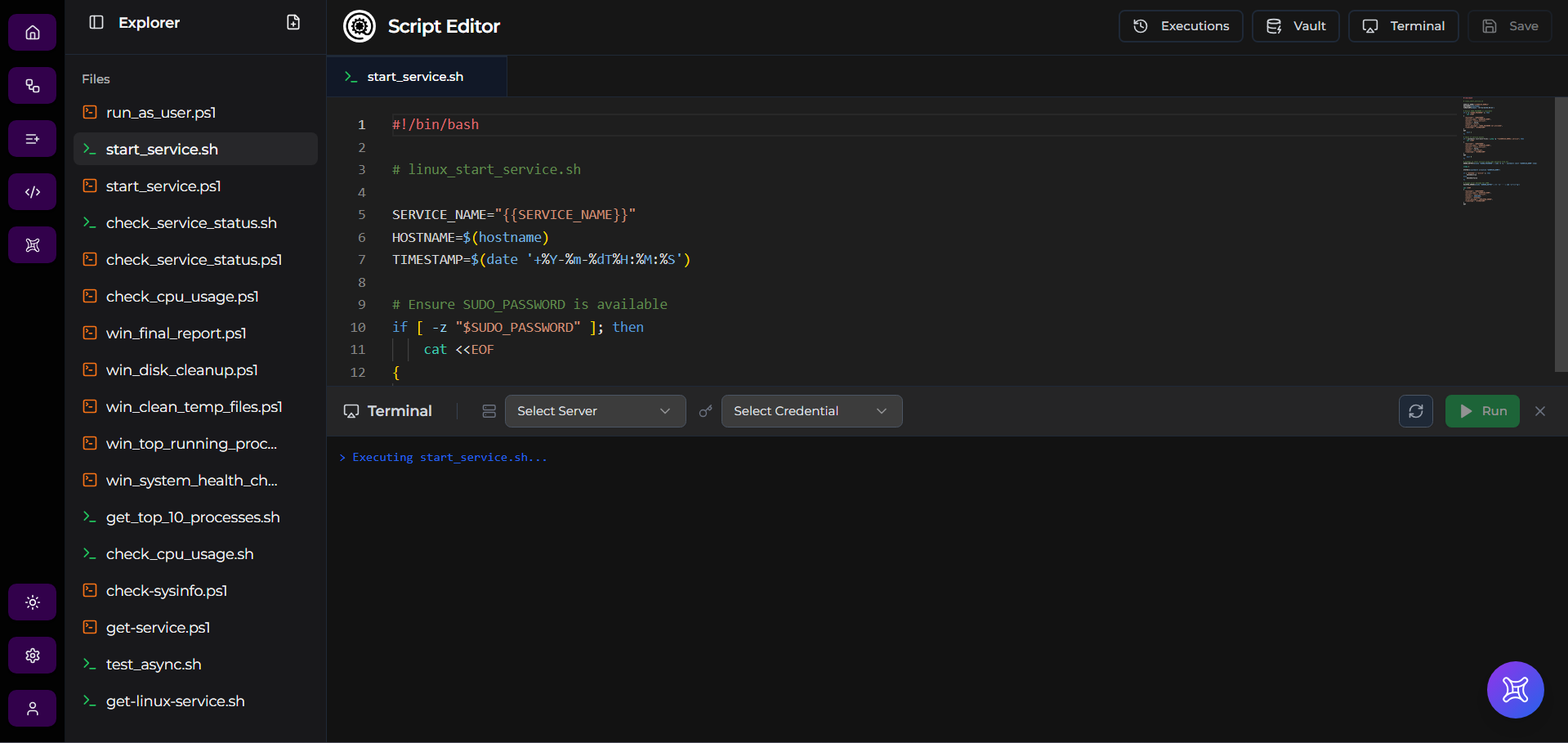
The built-in script editor is where you write the script that an Action node runs. It supports Python, PowerShell, and Shell, with syntax highlighting for each. Scripts are saved alongside the workflow and versioned with it.
Library
The Library is a catalog of pre-built workflows, nodes, and scripts curated by the AutoSage team. Browse by type (Workflows, Nodes, Scripts), search by name or tag, and fork anything you want to use. Forked workflows land in your Workflows page as drafts; forked scripts land in your Script library; copied nodes go straight to your clipboard for pasting into the Workflow Editor.


Autobot
Autobot is the built-in AI assistant. It can answer questions about your account, generate scripts and full workflows from a prompt, and — in execution mode — trigger runs directly from chat. Autobot is available from the left navigation and from a floating button inside the Workflow Editor.
Plans & Pricing
AutoSage has three tiers — Free, Pro, and Enterprise — plus a Pro Day Pass for one-off 24-hour Pro access at ₹99. All new accounts start on Free with no credit card required. Pro unlocks higher resource limits and Autobot execution mode. The Plans page in the left navigation has the full comparison table and subscribe buttons.
What's next
- Haven't signed up yet? Start at Create your account.
- Want reusable building blocks? Browse the Library.
- Ready to understand pricing? See Plans & Pricing.
- Each section above links out to its detailed guide.